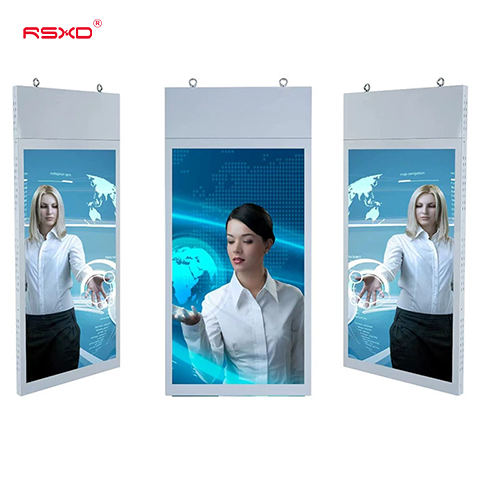
Hanging Double-Sided Digital Signage
A suspended two-sided LCD format for retail entrances and commercial spaces viewed from opposite directions.
Explore the configurationDouble-sided hanging screens and dual-screen kiosks that make a shared location work for different viewing paths.
Compare the physical format, operating environment and content workflow. Build the specification around the way the display will be used.
View the collectionA suspended two-sided LCD format for retail entrances and commercial spaces viewed from opposite directions.
Explore the configuration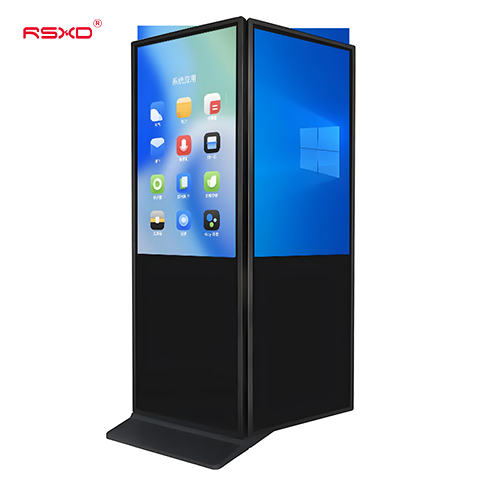
A freestanding dual-screen structure for combining promotional content and interactive information in a commercial location.
Explore the configurationA display is part of a physical place and an operational workflow. Bring those requirements together early.
Check sightlines, ambient light, installation space, access and the operating environment.
Agree what people see or do, who updates the content and how hardware and software connect.
Approve drawings, model specifications, software scope and the installation and support responsibilities.
Explore planning considerations for common applications. These are deployment guides, rather than claims about completed customer projects.
Coordinate messages for people approaching from opposite sides of a retail entrance.
Plan this applicationKeep the floor clear while positioning information above a visitor route.
Plan this applicationCombine promotional playback and a user-controlled information surface.
Plan this applicationA clear sequence reduces ambiguity between product selection, integration and site work.
Send location, quantity, use and available space.
Review the panel, system, enclosure and software scope.
Check drawings and a representative configuration.
Agree installation, content access and ongoing support.
Practical guides for specifying and operating your display project.
All resourcesReview street and store sightlines, glass reflections, brightness needs and mounting access before choosing a dual-sided display.
Specify the playback architecture behind a two-screen installation and test it with the intended campaign workflow.
Coordinate structural support, cables, sightlines and safe servicing for a suspended commercial display.
Share the location, application and intended experience. We can review a configuration and the work needed to bring it into use.
Prepare a project inquiry